CI/CD pipeline integration
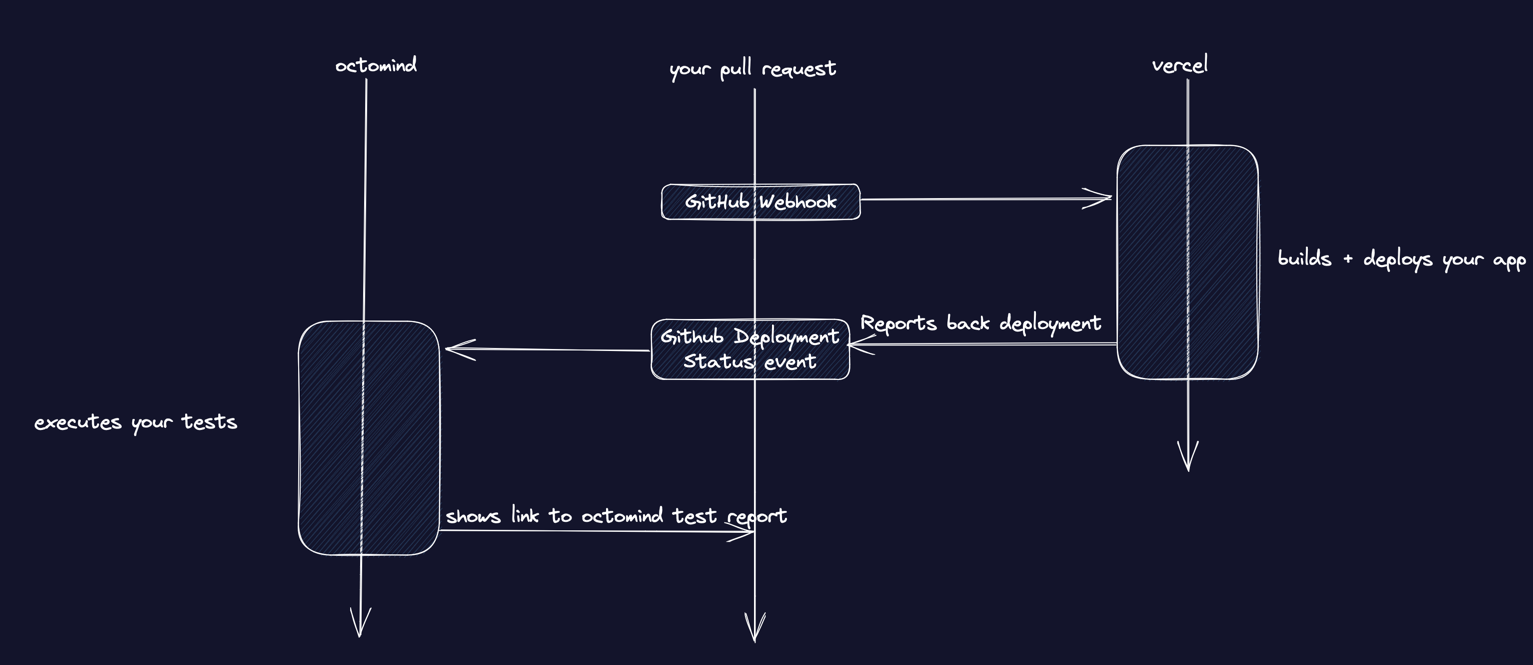
We currently do not have a native Vercel integration. If you are using Vercel for your CI, you should be able to use Octomind when following the steps below. If you have any difficulties with it, please, let us know on our Discord.
1. Create an API key
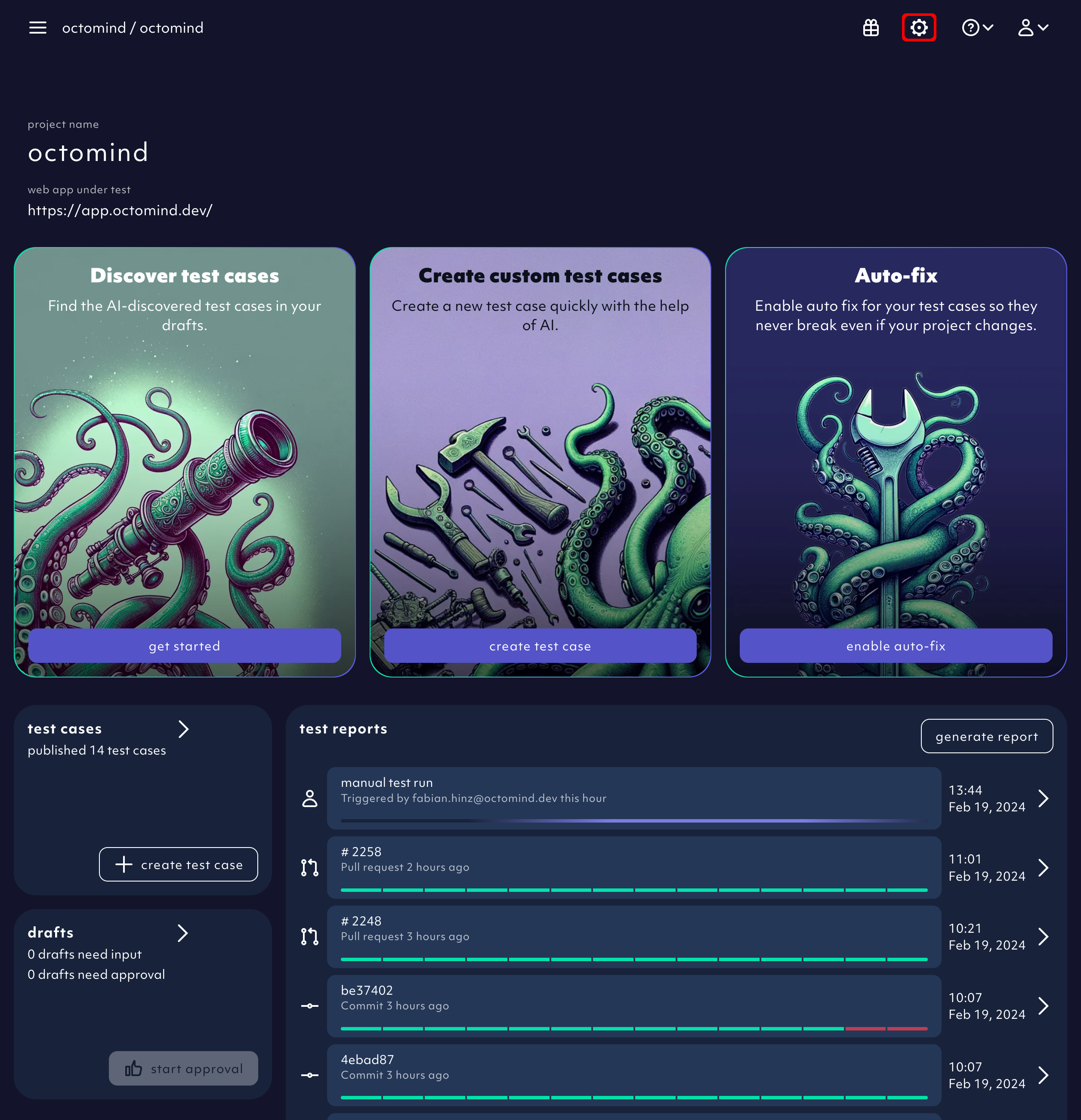
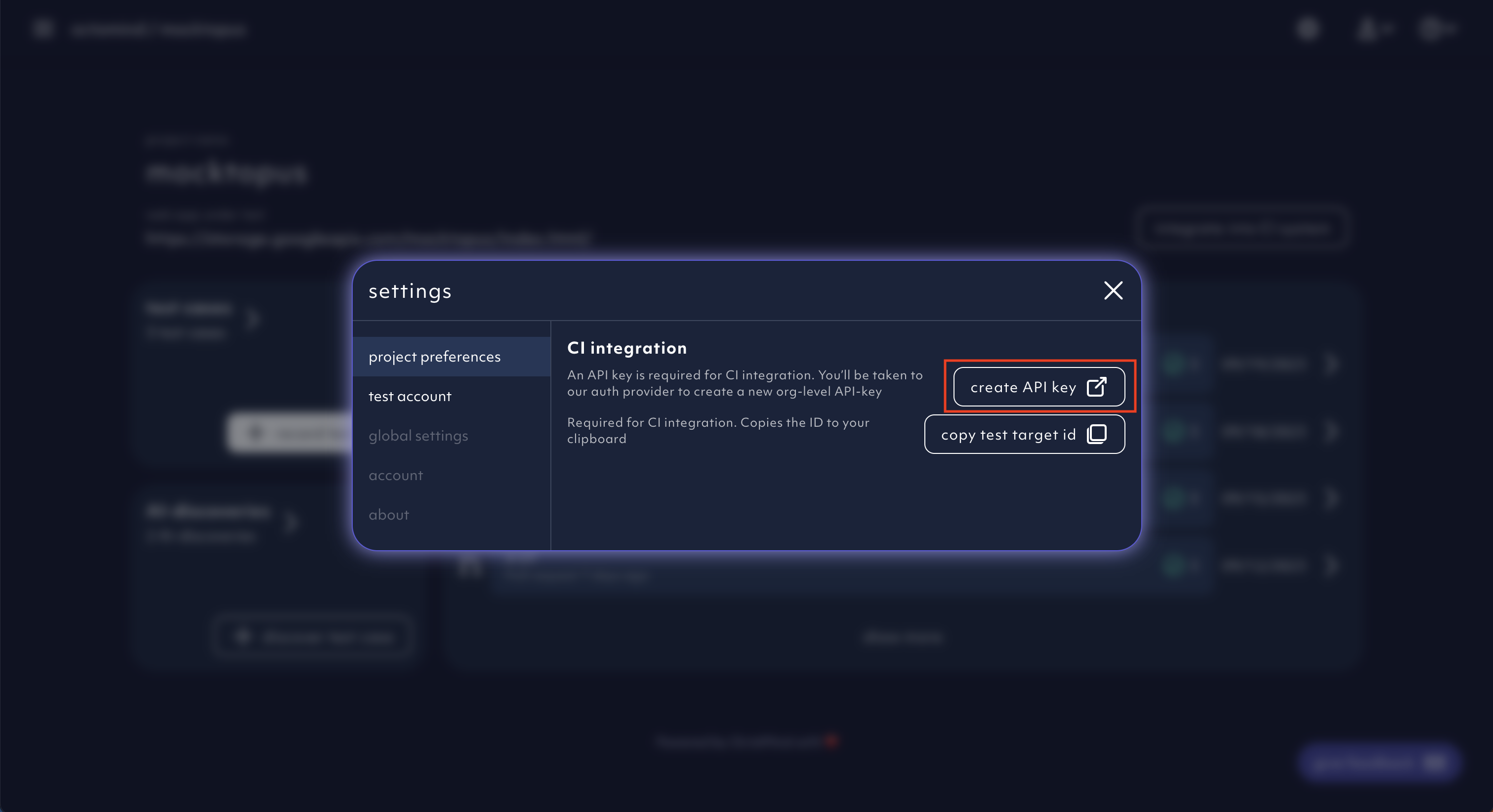
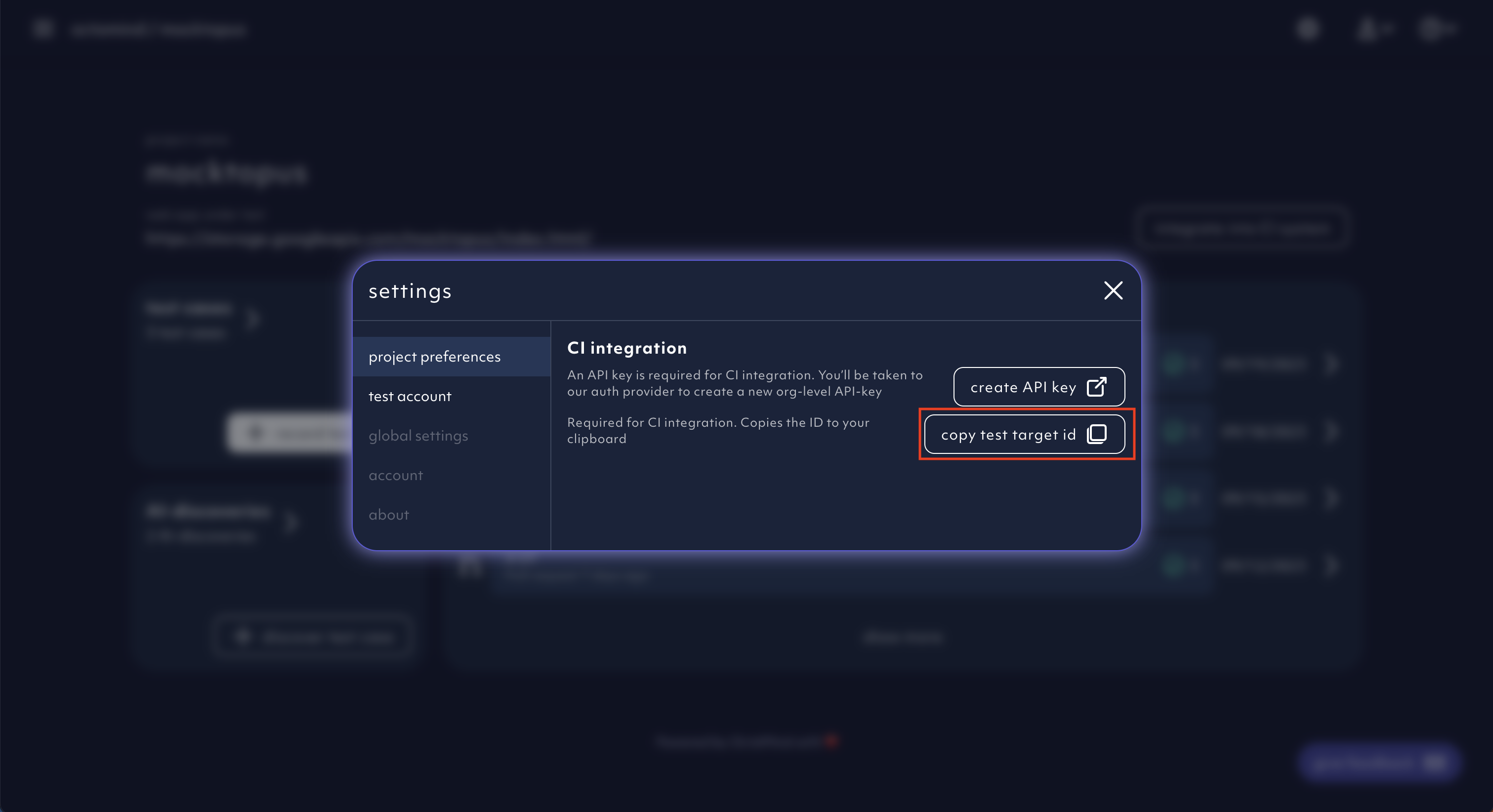
The option to create your API key can be found within the settings menu.
Click on Create an API key.
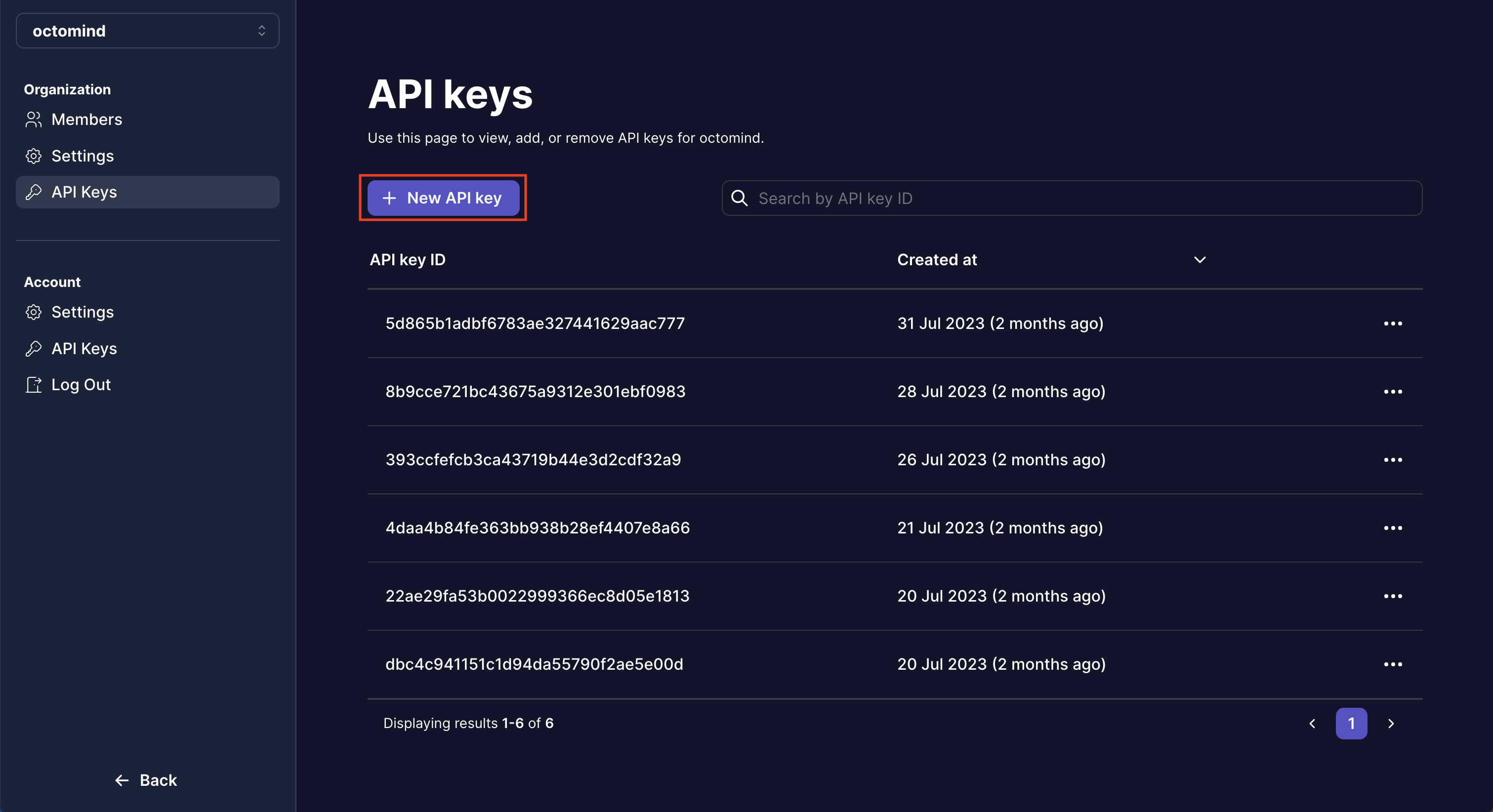
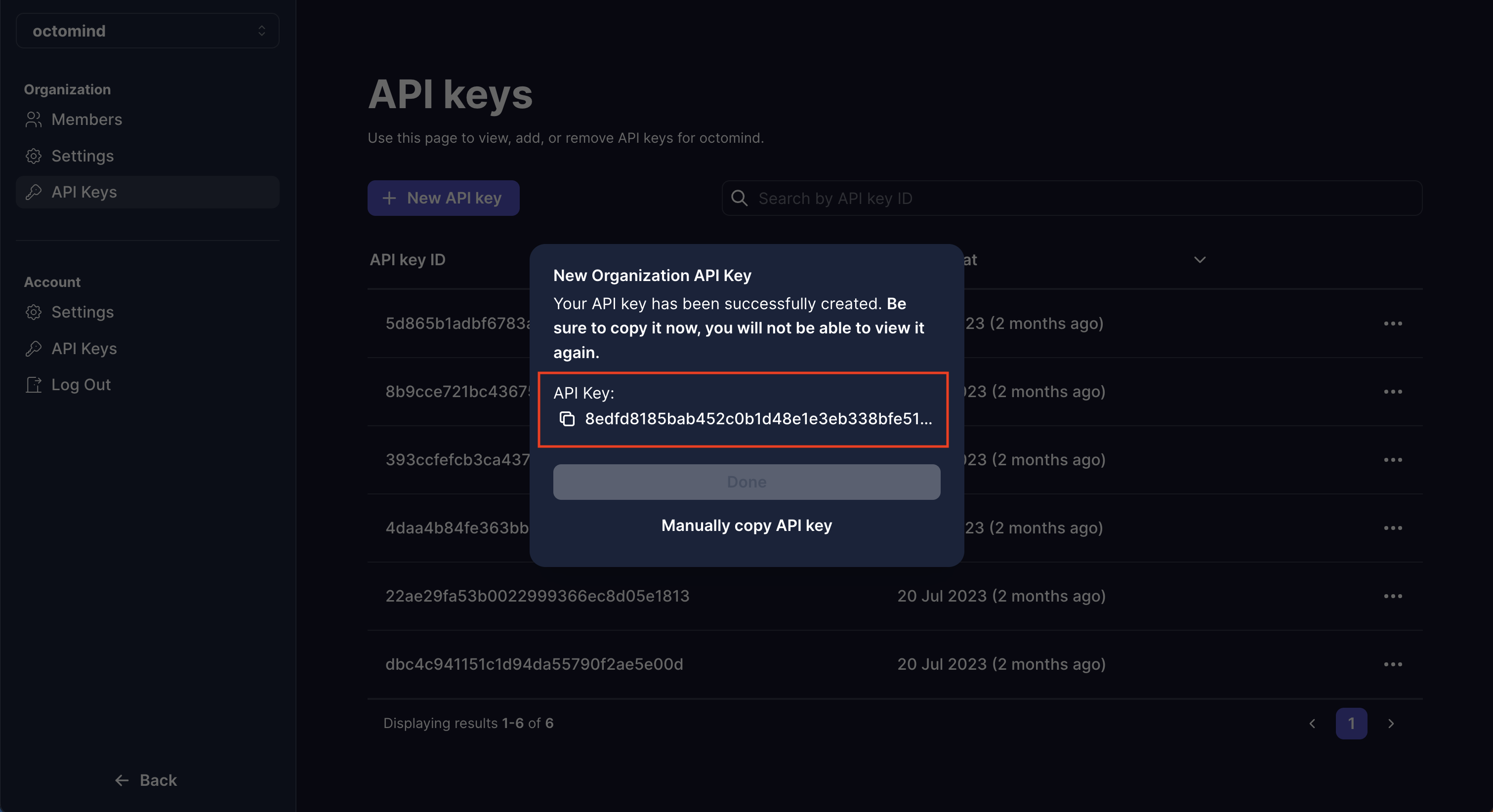
You then will be navigated to our auth provider where you can create a new org-level API key.
You can only copy the API key once, so make sure to do that now. You should
not share it with anyone.
2. Copy your test target ID
You can get your test target ID from the octomind landing
page once
signed-in. If you are greeted with the 'Setup your autonomous end-to-end
tests' message, please sign-in first copy test target id.
3. Include the GitHub Action
Include the following GitHub Action into your CI/CD build pipeline on deployment_status changes:
on: deployment_status

concurrency:
  group: ${{ github.workflow }}-${{ github.ref }}
  cancel-in-progress: true

jobs:
  octomind:
    if: ${{ github.event.deployment_status.state  == 'success' }}
    name: 🚀🐙 trigger octomind e2e tests 🚀🐙
    runs-on: ubuntu-latest
    steps:
      - uses: OctoMind-dev/automagically-action-execute@v2
        with:
          testTargetId: "<yourTestTargetId>"
          url: ${{ github.event.deployment_status.target_url }}
          token: ${{ secrets.OCTOMIND_TOKEN }}