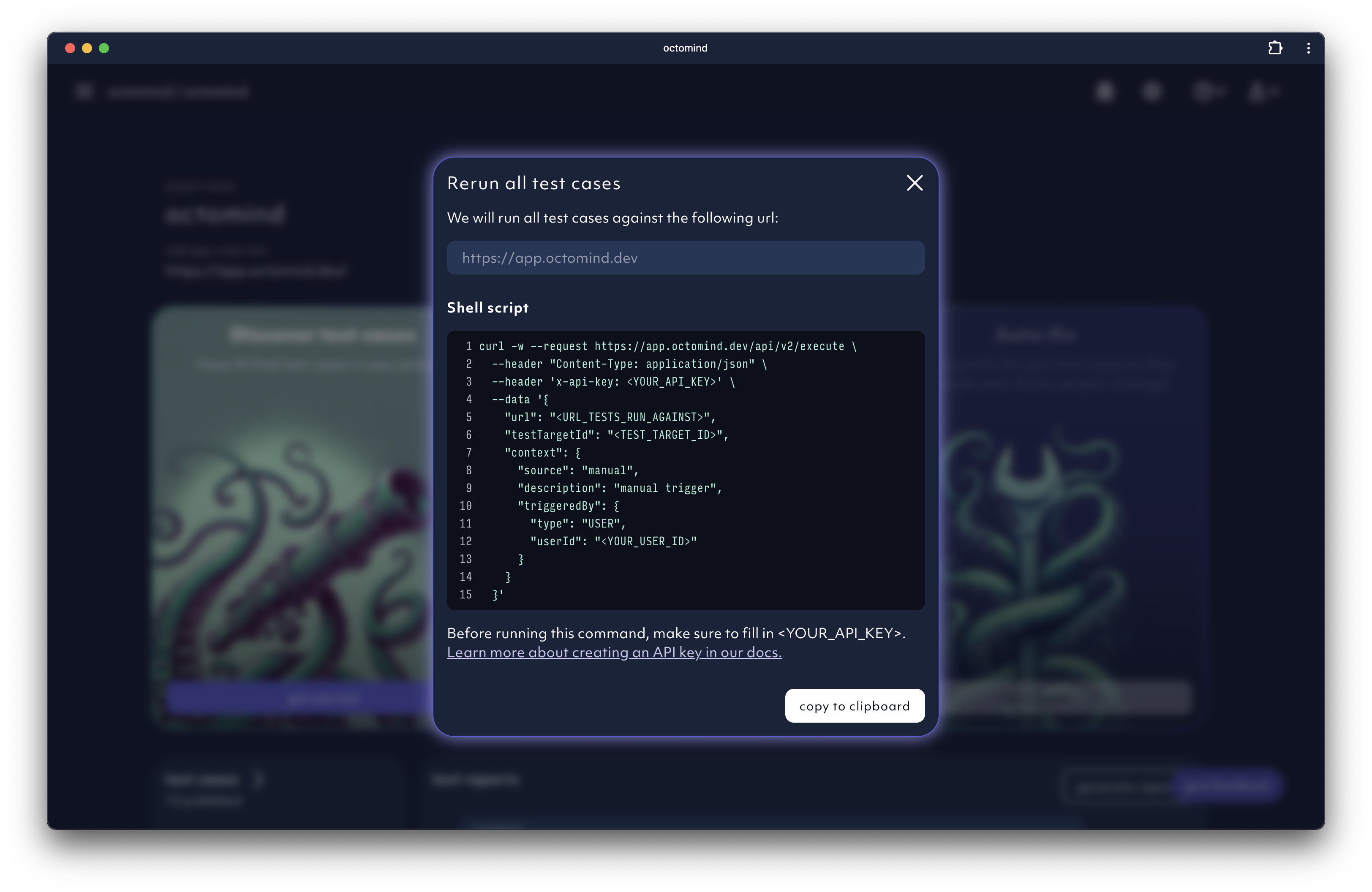
If you don’t have pipelines and want to manually trigger the test execution from outside our app, you can do it with a cURL command.
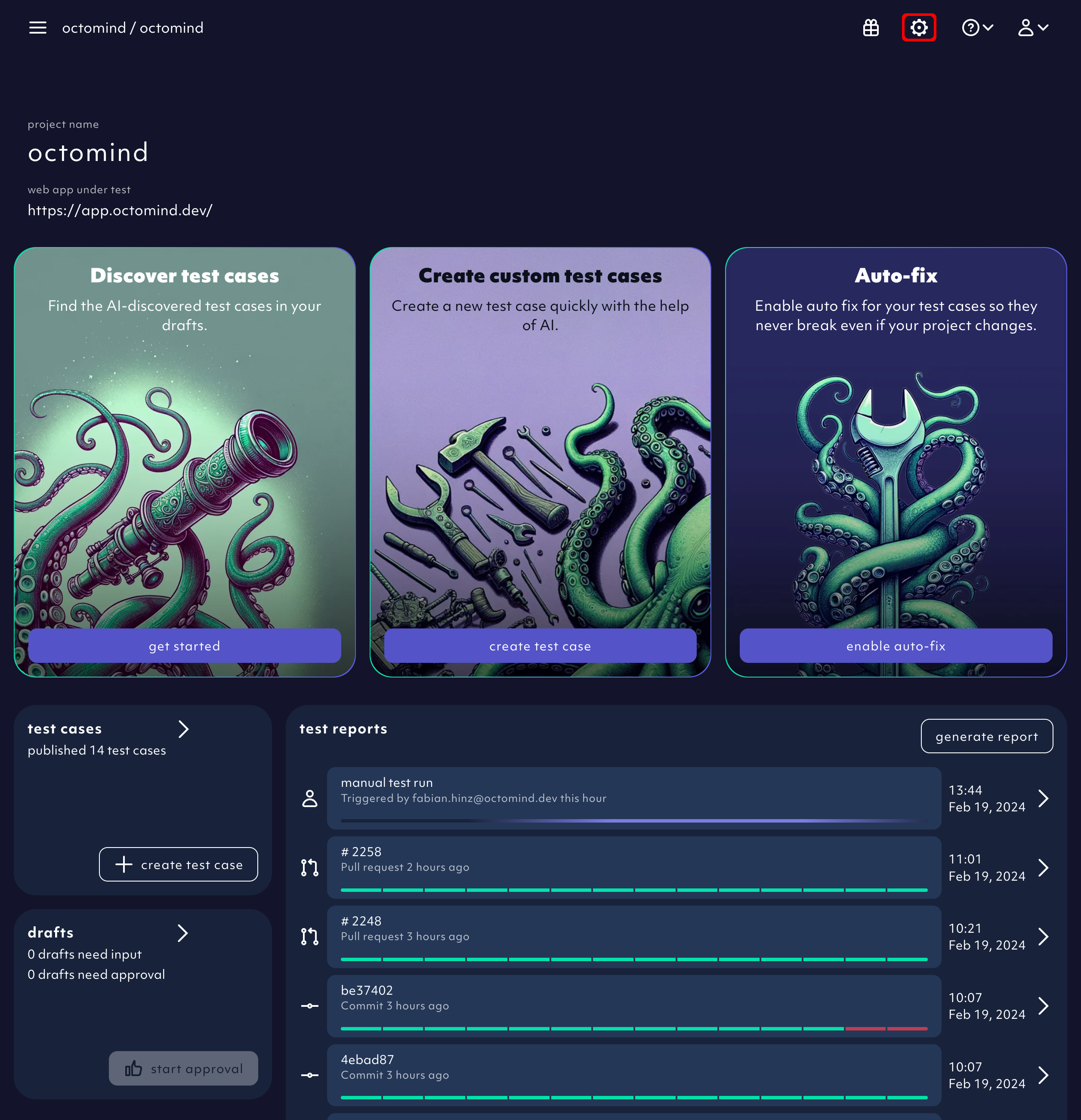
You can retrieve it conviniently with prefilled parameters from within the app by selecting in app via terminal from the generate report button on the overview page:
generate a test report from the terminal, screenshot 02/2024
API key below.
The command will return a response with a link to your test report, looking like this:
{ "testReportUrl": "https://app.octomind.dev/testreports/<some-id>" }
Create an API key
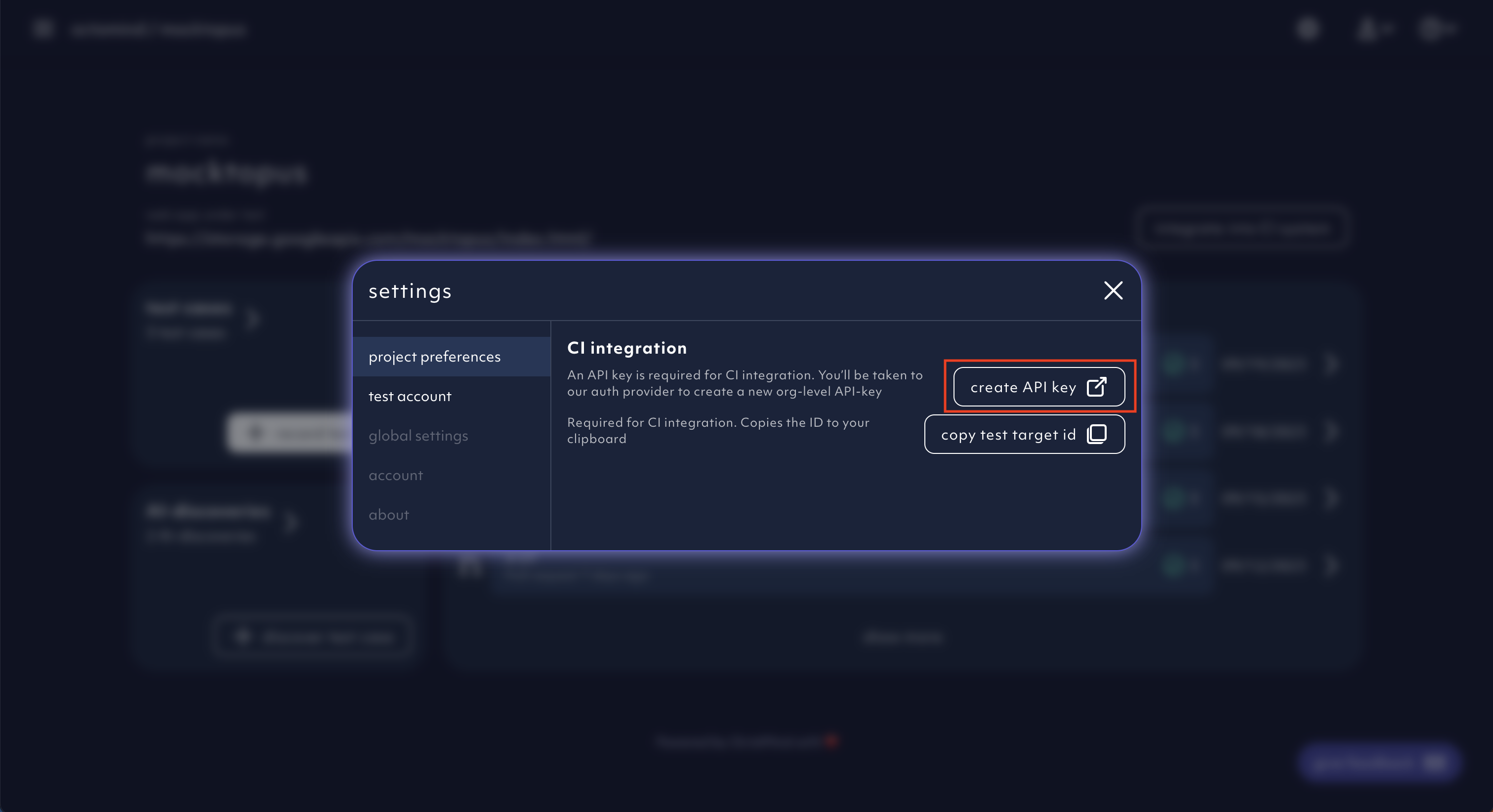
The option to create your API key can be found within the settings menu.
Click on Create an API key.
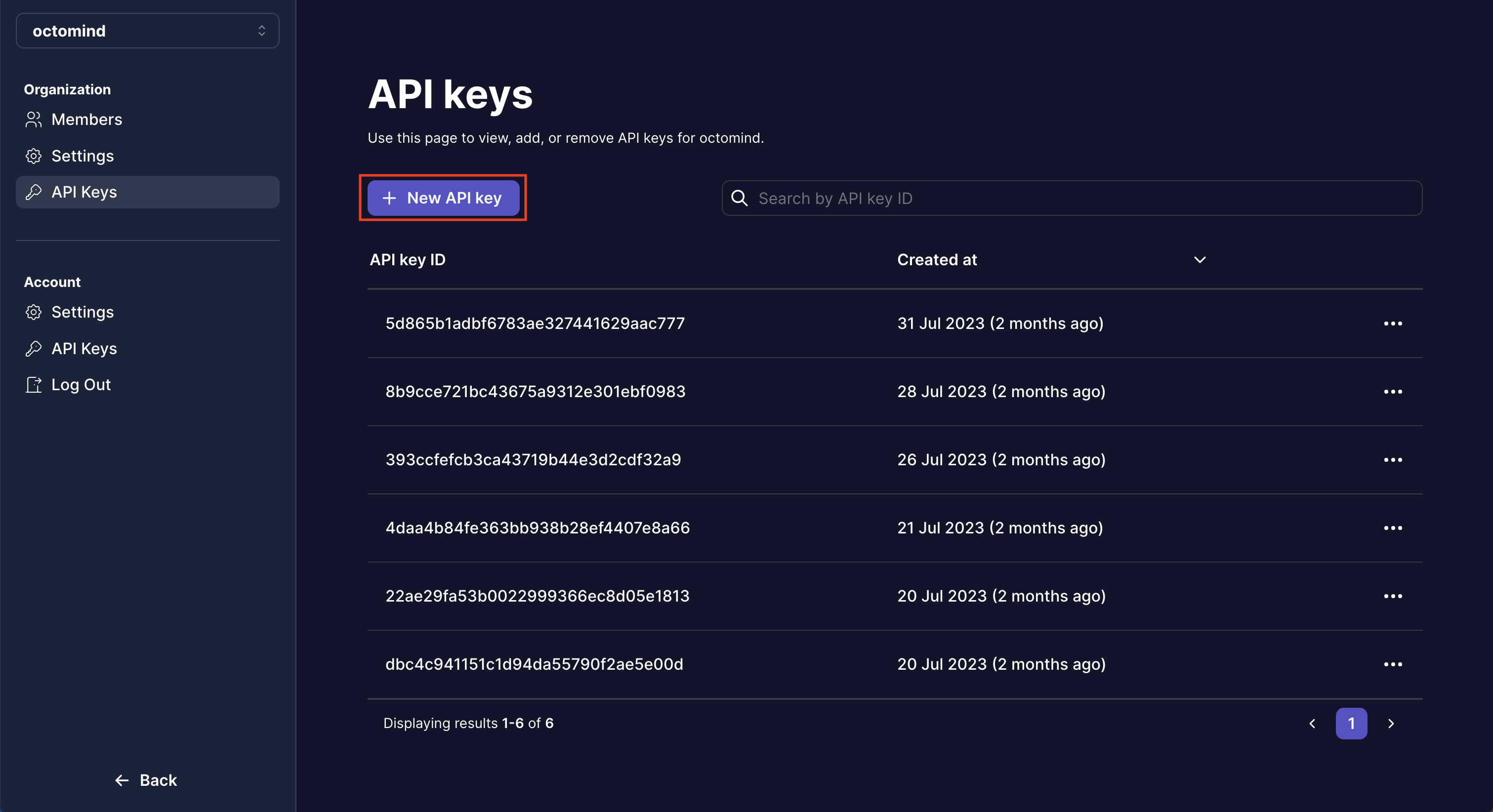
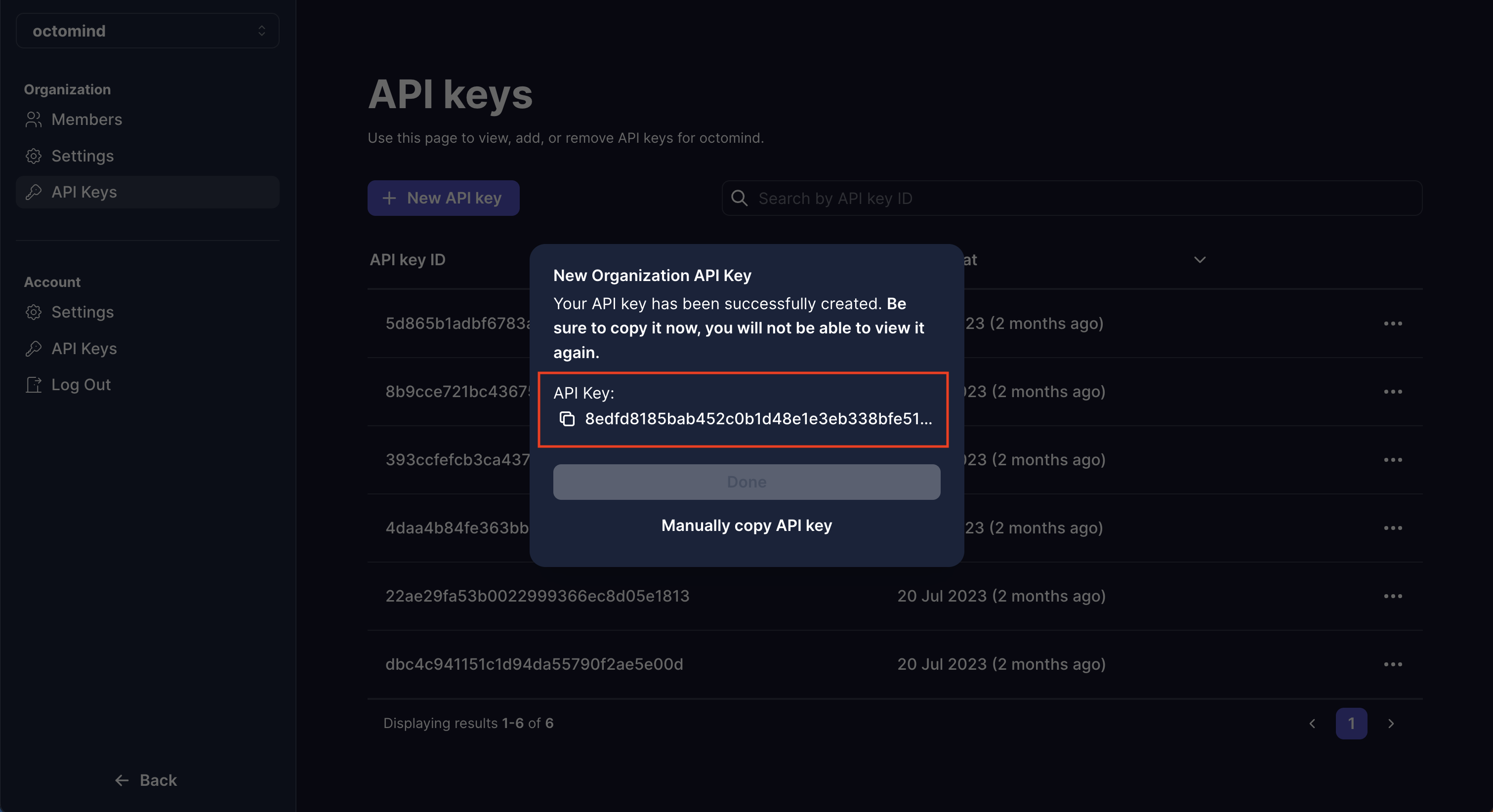
You then will be navigated to our auth provider where you can create a new org-level API key.
You can only copy the API key once, so make sure to do that now. You should
not share it with anyone.